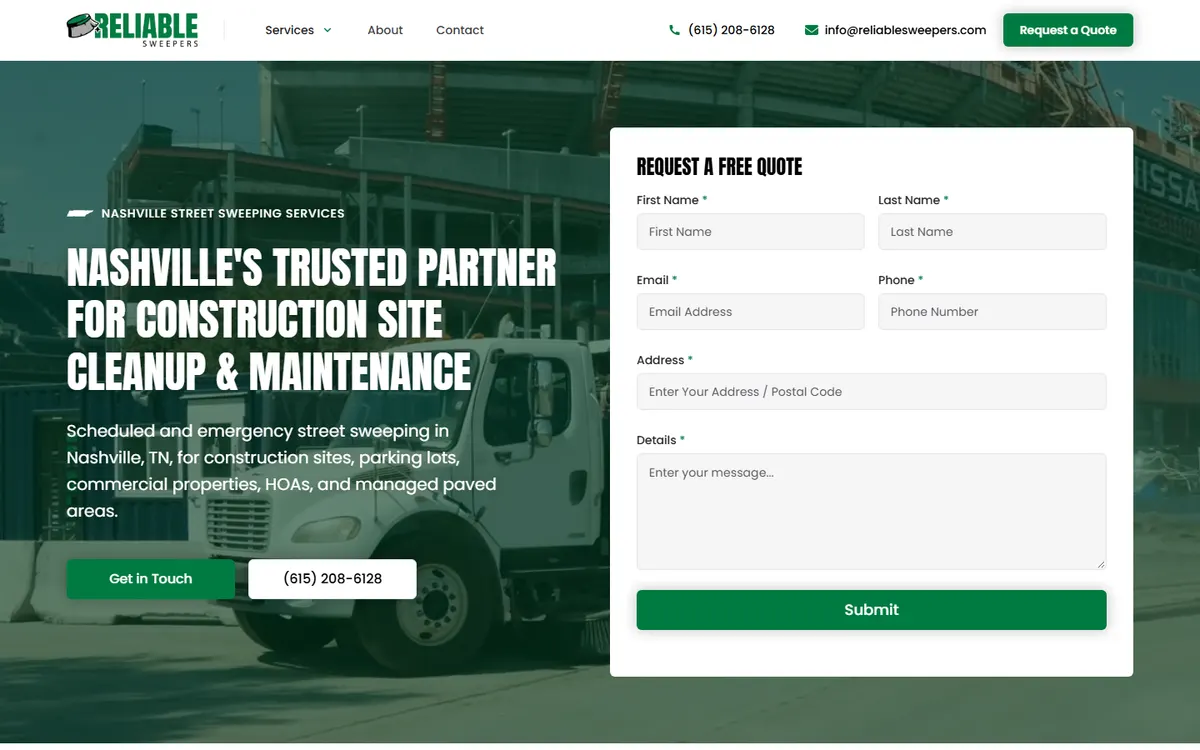
Every quote form on the internet started as a decision nobody actually made. Somebody dragged four fields onto a page because that felt normal, or somebody's cousin built the site and copied a form from another site, and now that form is the front door to the whole business. Nobody sat down and asked the real question: what do I need to know before I can quote this job, and what am I willing to lose to ask for it?
That question matters more than most owners think, because a quote form is a tradeoff, not a template. Every field you add filters out a few people. Some of those people were tire-kickers you never wanted. Some were serious buyers who got annoyed and closed the tab. The length of your form decides the mix of who makes it through, and most owners set that mix completely by accident.
I want to walk you through how to set it on purpose instead. Not with a magic number, because there isn't one, but with a way of thinking that fits your specific trade, your specific margins, and how much time you can spend chasing leads that go nowhere.
Every field is a toll booth
Picture your form as a road with a toll booth at each field. Every time someone has to stop and type something, a few cars turn around. Name and email? Barely slows anyone down. Phone number? A few more leave, because now it feels like they'll get a call. "Describe your project in detail"? That is a real gate. People sitting on the couch half-interested will not write you a paragraph.
This is not a reason to strip your form down to nothing. It is a reason to be honest about what each field costs you and what it earns you. A longer form gets you fewer leads, but the ones who finish are more committed and easier to quote. A shorter form gets you more leads, but more of them are vague, price-shopping, or not in your service area at all.
Neither is right or wrong. A roofer replacing a whole roof can afford a longer form, because one closed job is worth thousands and a bad lead wastes an expensive site visit. A mobile dog groomer working on volume wants the shortest form possible, because the job is small and speed matters more than perfect qualification. Your form length should match the economics of your jobs, not what looks tidy on a screen.
Start with the question: what do you need to quote?
Before you touch the form builder, write down what you genuinely need to know before you can either give a number or book a site visit. Not what would be nice to know. What you actually need. For a lot of trades that list is shorter than you would guess.
A painter usually needs three things: what are we painting (interior, exterior, cabinets), roughly how big, and where is the property. That is enough to say "site visits run about this, and here is a ballpark range." An HVAC company handling a no-cooling call needs even less: the address, the phone number, and "when did it stop working." Everything else can happen on the phone.
The mistake I see is owners loading the form with every question they can imagine, as if the form is the whole conversation. It isn't. The form's only job is to get you enough to respond intelligently and to reach the person back. The rest of the qualifying happens on the call, where you are far better at it than a text box will ever be.
The three buckets of fields
- Contact fields: name, phone, email. How you reach them back. Non-negotiable, but keep it to two, phone and name, if you want maximum volume.
- Qualifying fields: service type, location, timeline, budget range. These separate a real buyer from a browser and tell you whether the job is even worth your time.
- Context fields: "tell us about the project," photo upload, preferred contact time. Helpful, but every one of them thins the herd.
The art is picking one or two qualifying fields that do the heavy lifting and leaving the rest for the phone call. You don't need all three buckets stuffed full. In most cases you need the right two or three fields total.
The fields that quietly earn their keep
A few fields punch above their weight for local service businesses, because they filter for the exact problems that waste your time.
Service type as a dropdown. A simple menu ("What do you need?") does two things at once. It tells you what you are quoting, and it lets you route the lead. It also gives the buyer a small commitment that signals seriousness without asking them to write anything.
Location or ZIP. If you serve Franklin and Brentwood but not out past Murfreesboro, a ZIP field saves you from driving to a quote you would never book. It costs almost nothing to add and kills the single most common form of wasted lead: the person who is nowhere near you. I've written before about how to keep junk quote requests out of your inbox in the first place, and a location field is one of the cleanest ways to do it.
Timeline. "When do you need this done?" with options like "emergency," "next few weeks," and "just planning" instantly sorts your hot leads from your someday leads. You'll follow up with all of them differently, and knowing which is which the moment the form lands is worth a lot.
The budget field debate
Budget is the field owners argue about most. Some swear by it because it filters out people who want a Cadillac on a bicycle budget. Others hate it because serious buyers genuinely don't know what things cost and feel put on the spot.
My take: use a range dropdown, never an open number box, and make it optional or frame it gently. Something like "Rough budget, if you have one in mind" with brackets. A range feels like a low-pressure question. A blank box that says "Budget" feels like a test they might fail, and plenty of good buyers bail rather than guess wrong. If your jobs vary wildly in price, a budget range can save you hours. If your pricing is fairly standard, skip it and cover it on the call.
The fields that quietly cost you good leads
Some fields feel responsible but do more harm than good. Watch for these.
The required paragraph. A "please describe your project" box is fine as optional. The second you make it required, you lose the busy people who would have happily explained it in a two-minute phone call. Make writing optional. Make contact info required.
The double-contact ask. Requiring both a phone number and an email, and then also asking "best way to reach you," is redundant and adds friction. Pick your primary channel. Most local service buyers want a call or text, so lead with phone.
Vanity fields. "How did you hear about us?" is a marketing question, not a quoting question, and it belongs nowhere near the required set. If you want that data, there are better ways to get it. I'd point you to how call tracking and a one-page spreadsheet reveal which marketing actually books jobs instead of asking the customer to do your attribution for you.
Address up front. Full street address on the first form feels invasive to a lot of people. City or ZIP is plenty to qualify. Get the full address once you are actually scheduling the visit.
A simple starting point by job size
If you want somewhere concrete to begin, here is how I usually set it up depending on the size and margin of the work.
High-volume, low-ticket work
Think lawn care, cleaning, mobile detailing, small repairs. Speed and volume win here. Keep it to name, phone, service type, and ZIP. Four fields. You want as many real leads as possible and you'll qualify fast on the phone. A long form here just costs you jobs.
Mid-ticket work with variable scope
Painting, landscaping projects, plumbing repairs, electrical work. Add a timeline dropdown and an optional description box. Five or six fields. You want a little more context so you can prioritize and prep, but you still don't want to scare off the couch browser who becomes a real customer once you call.
High-ticket, high-consideration work
Roofing replacements, kitchen remodels, additions, custom builds. Here a longer form works in your favor. Service type, timeline, budget range, project description, maybe a photo upload. Seven or eight fields is fine. The buyer is invested, the job is worth thousands, and a wishy-washy lead costs you a real site visit. A form that takes two minutes actually filters for the people who mean it.
Notice the pattern. As the job gets bigger and the cost of a bad lead goes up, the form gets longer on purpose. That is the tradeoff working for you instead of against you.
Set it up so it actually behaves
The fields are only half of it. How the form works decides whether people finish.
Show fields in a logical order. Contact info first feels natural. Bury the phone number at the bottom and some people quit before they reach it.
Mark optional fields as optional. If everything looks required, everything feels heavy. Explicitly labeling a field "optional" is a small kindness that keeps people moving.
Consider a two-step form. A good trick for longer forms: ask one easy question first (service type), then reveal the rest after they click. Once someone has taken the first small step, they are far more likely to finish. It is the same reason a store puts a small "try one free" table right at the entrance.
Confirm and respond fast. A form that submits into a void kills trust. Show a real confirmation, and then actually follow up quickly, because the speed of your reply matters as much as the form itself. I've made the case that the second or third business to call back has already lost, and no amount of form tuning fixes a slow callback.
One more thing worth checking: make sure the form works on a phone. Most of your local leads fill these out on a cracked screen in a parking lot. If the dropdown is fiddly or the keyboard covers the submit button, you are losing people you'll never even know about. If your whole site feels dated or clumsy on mobile, that is a bigger conversation, and my take on custom sites built on real strategy starts exactly there.
Test it, don't guess at it
The right number of fields for your business is knowable, but not from a blog post, including this one. It is knowable from watching what happens when you change it.
Pick a version, run it for a month, and count two things: how many forms you got, and how many turned into real quotes or jobs. Then change one thing (add a timeline field, drop the budget field) and run it another month. If cutting a field floods you with junk, put it back. If adding a field cut your volume in half but the leads got noticeably better, you just found a good trade. This is the same simple logbook thinking that beats expensive software for figuring out where your leads actually come from.
Don't change five things at once and don't judge it in a week. Local service demand swings, and one slow week tells you nothing. Give each version enough time to collect real numbers before you decide.
The point
There is no correct number of fields. There is only the number that fits the money in your jobs and the time you can spend chasing leads. A four-field form and a nine-field form are both right, for different businesses, on purpose. The failure isn't having too many fields or too few. It is never having decided at all, and letting a form somebody copied years ago quietly sort your customers for you.
Look at your form this week. Ask what each field costs you and what it earns you. Cut the ones that only serve your curiosity, keep the one or two that genuinely qualify, and let the phone call do the rest. That is the whole job.